Track money clearly
Record income, expenses, transactions, accounts, wallets, and monthly cash flow in one place.
Modern personal finance, without the clutter
Your personal finance cockpit.
Track your money, manage accounts, follow savings goals, monitor wallets, and understand your financial future from one clean dashboard.
What is PennyPilot?
PennyPilot helps users understand where money comes from, where it goes, and how today's choices affect future plans.
Record income, expenses, transactions, accounts, wallets, and monthly cash flow in one place.
Follow savings goals, future spending, net worth, and budgets without digging through spreadsheets.
Monitor assets, investments, wallets, and balances while keeping each currency intact.
Key features
PennyPilot uses four clean account groups: Main Account, Savings, Wallet, and Assets. Currencies stay independent from account type.
Keep your primary money flow visible with balances, transactions, and monthly movement.
Track KPay, Wave, PayPal, Revolut, Wise, Cash Wallet, and other wallets cleanly.
Create goals, follow progress, and keep long-term targets connected to daily choices.
Track stocks, ETFs, crypto, gold, real estate, and custom assets in one portfolio view.
Give each account or wallet its own currency while converting dashboard totals when needed.
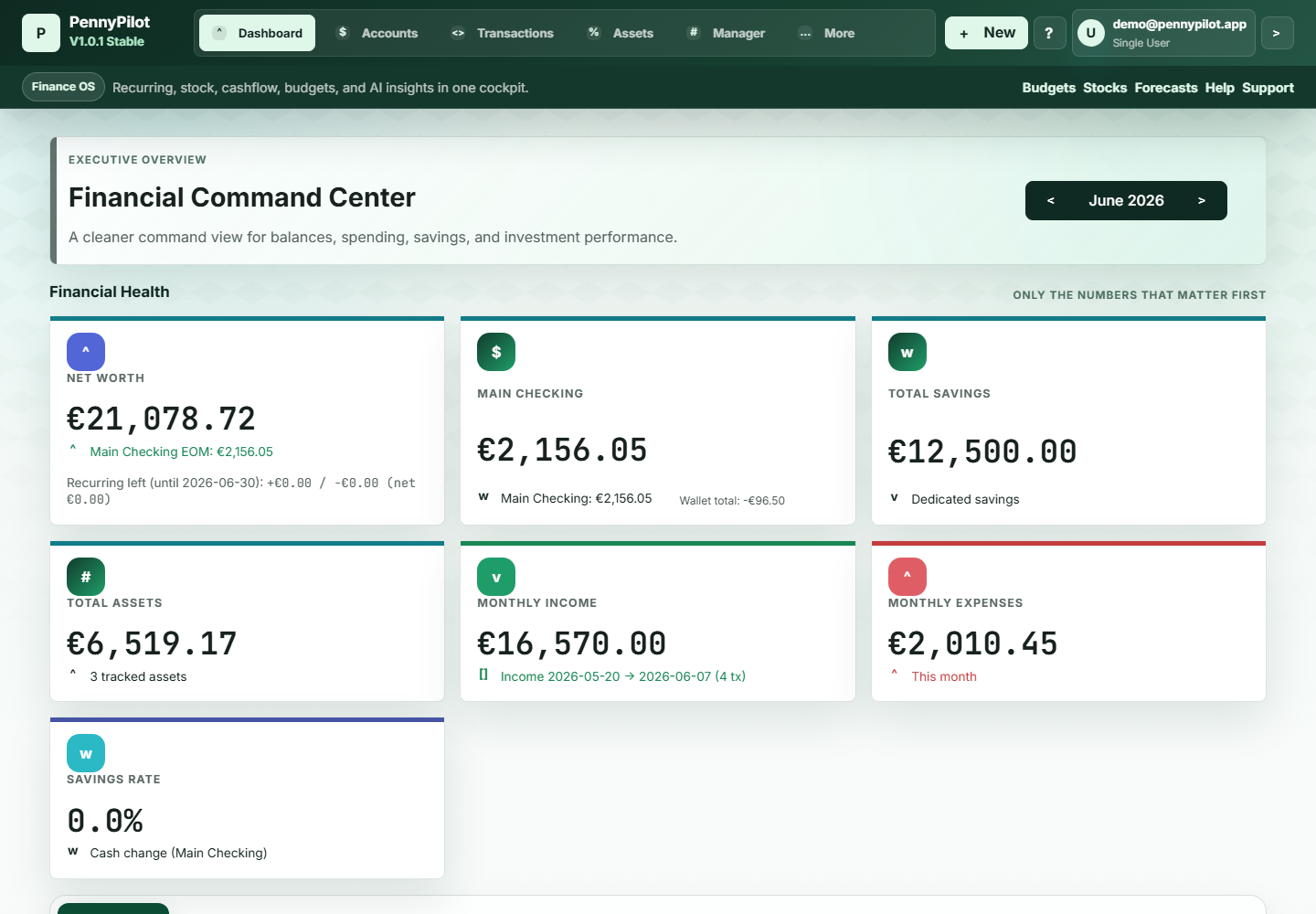
Surface the numbers that matter most: net worth, income, expenses, savings, wallets, and assets.
Review spending, categorize activity, and understand recurring patterns over time.
Turn everyday entries into trends, summaries, rates, and useful spending insight.
Product screenshots
These previews show the app itself: the command dashboard, transaction table, account views, assets, goals, help, settings, and voluntary support flow.
Core money totals grouped for quick scanning.
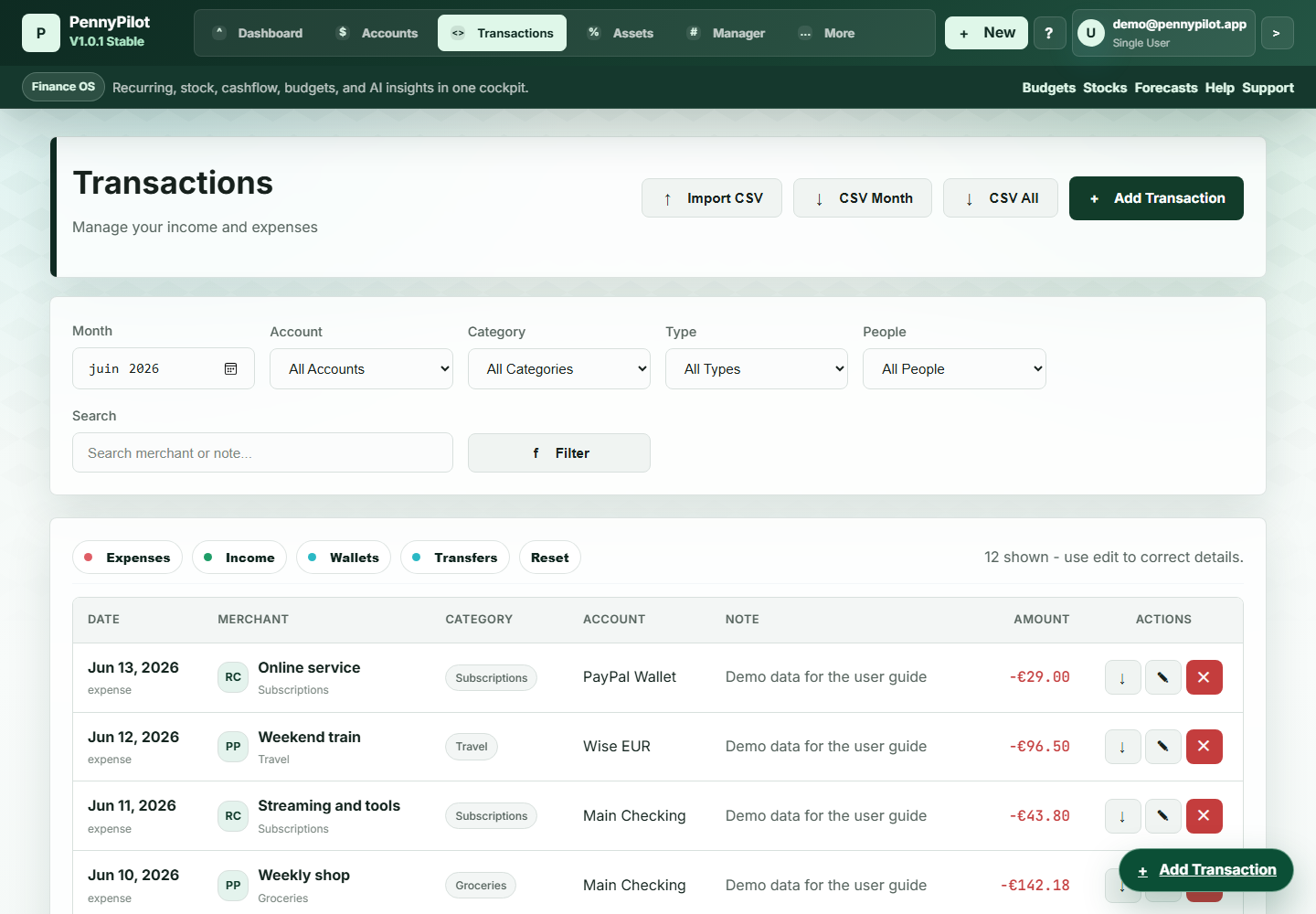
Income, expenses, wallets, transfers, filters, and CSV tools.
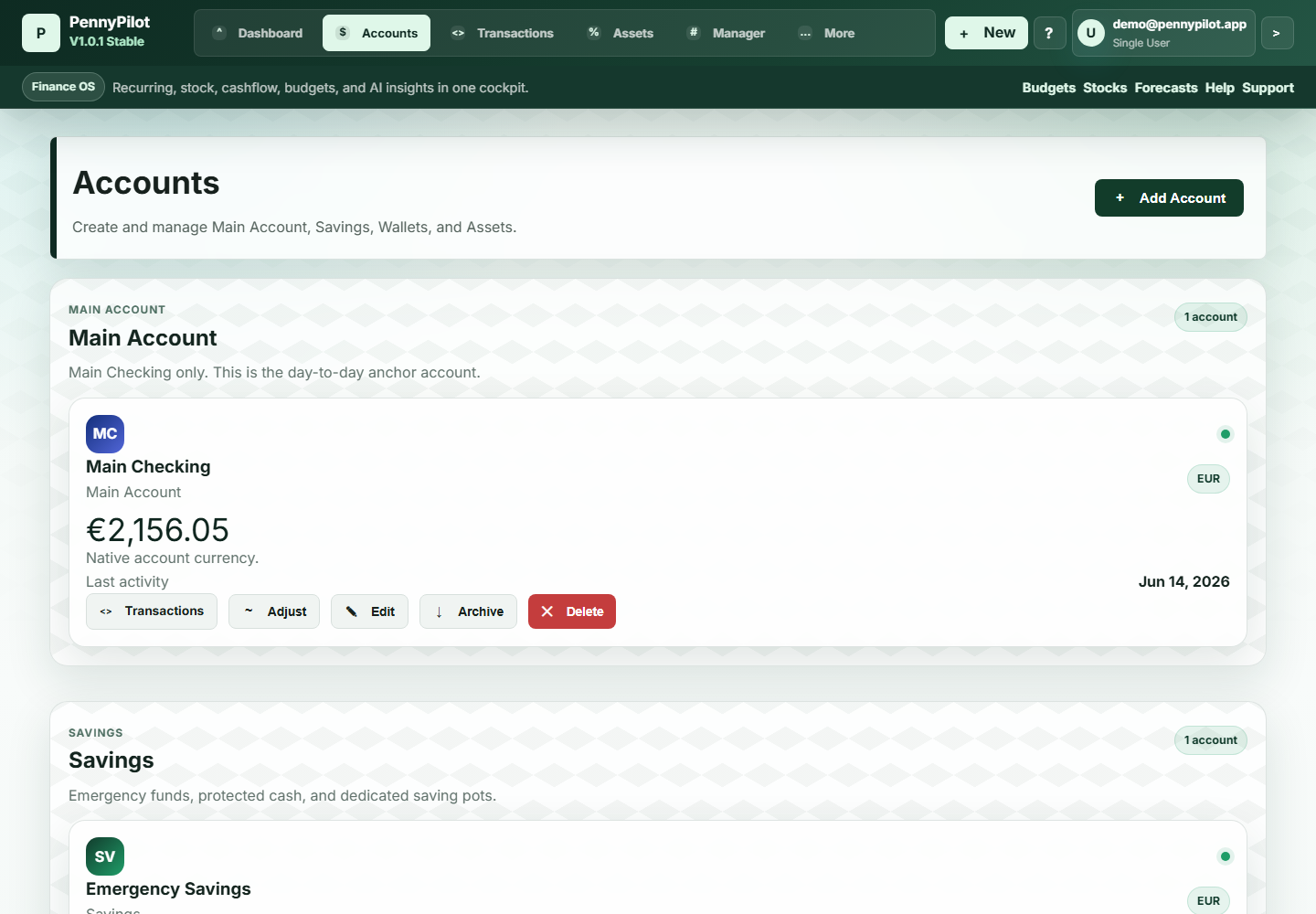
Main accounts, savings, wallets, and balances in one place.
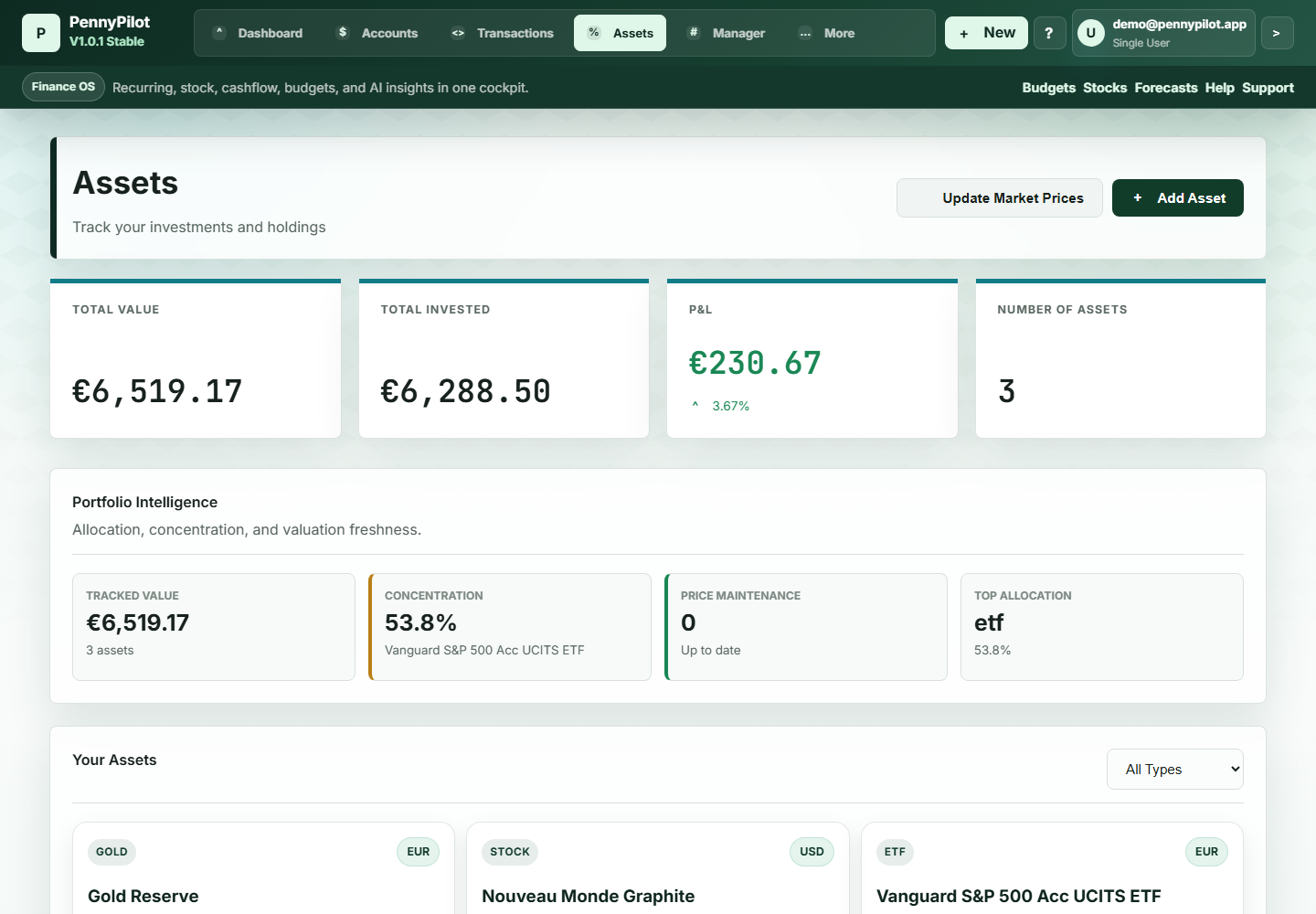
Portfolio value, allocation, concentration, and holdings.
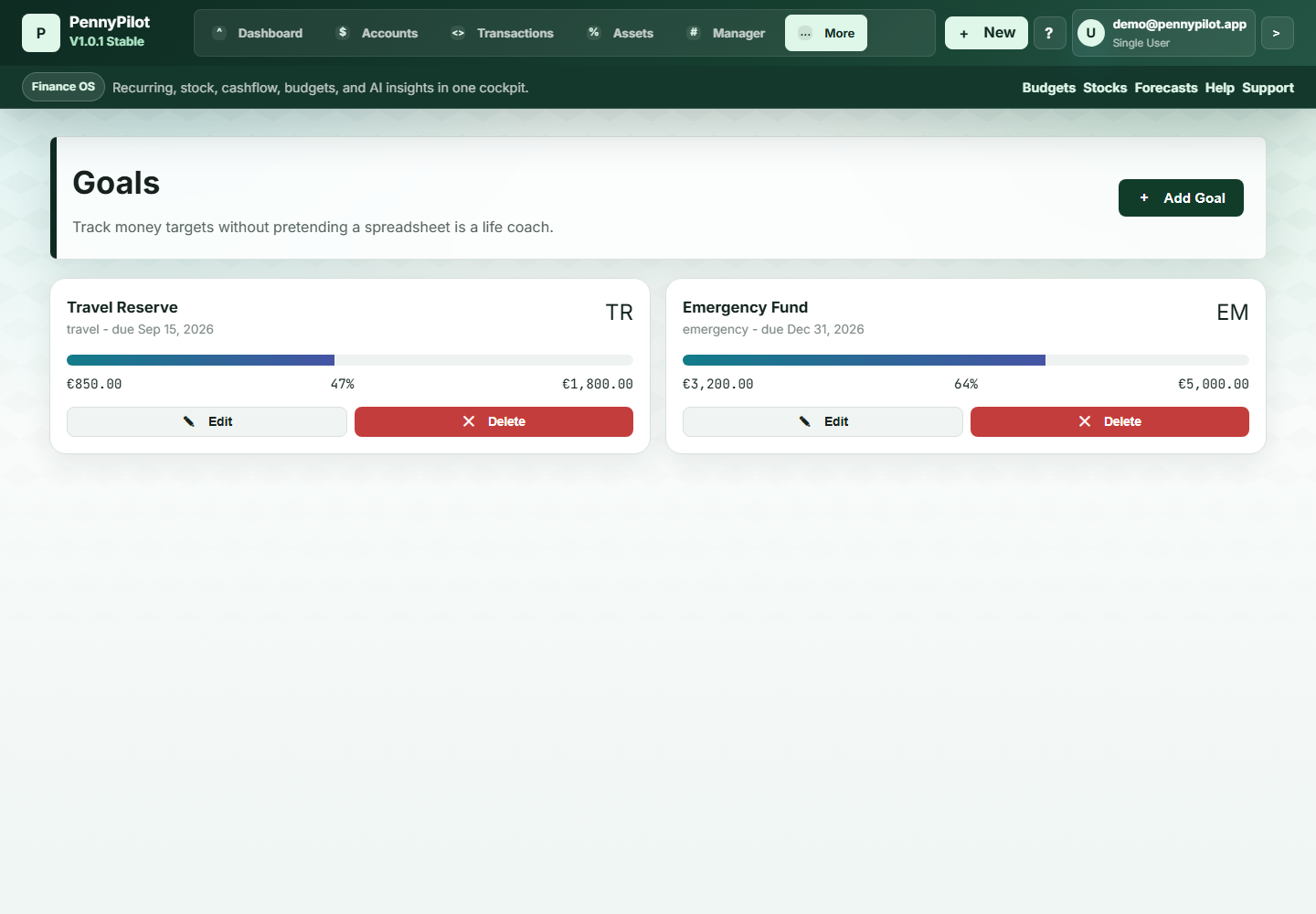
Targets stay visible with progress and due dates.
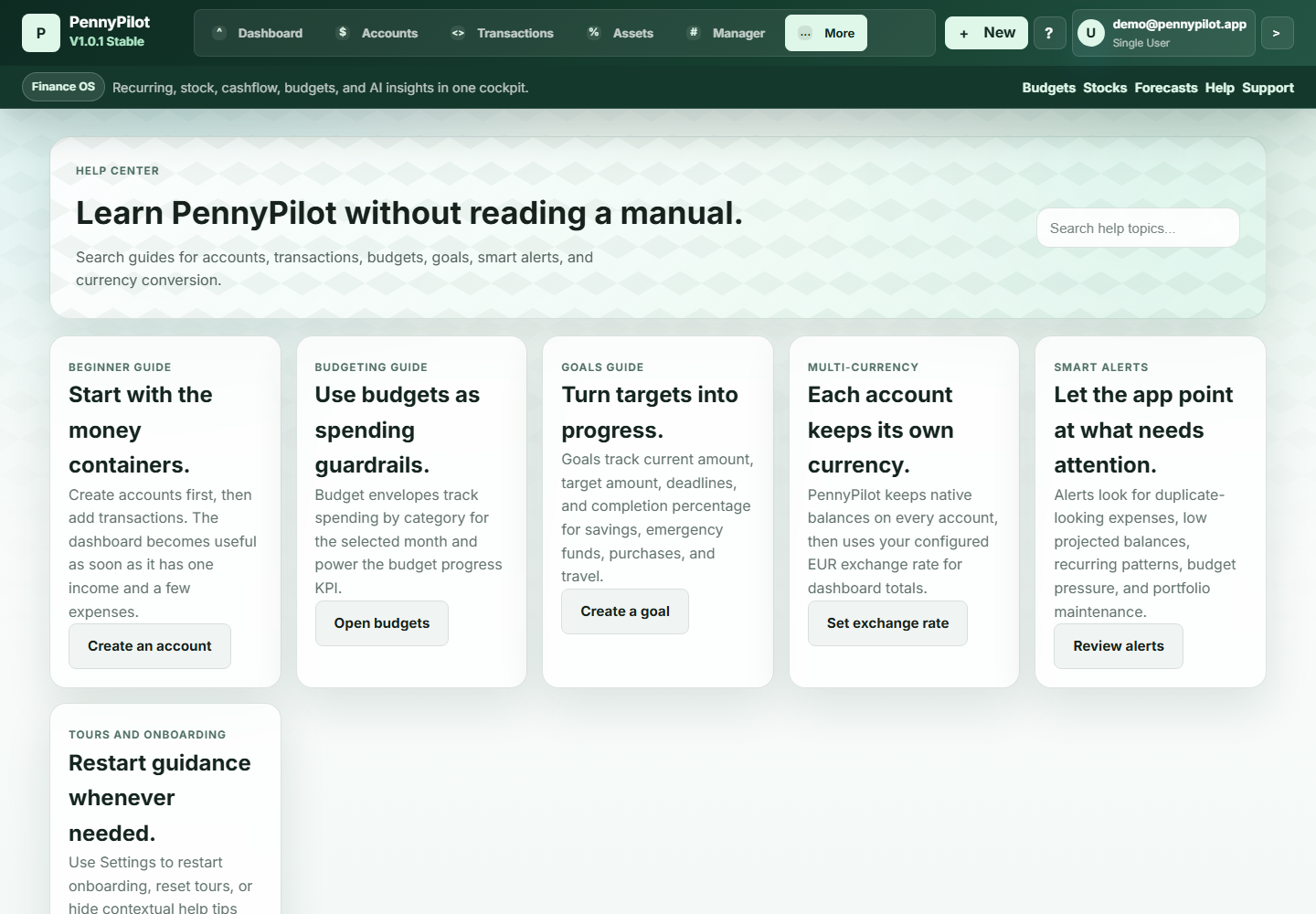
Guides are built into the app for first-time users.
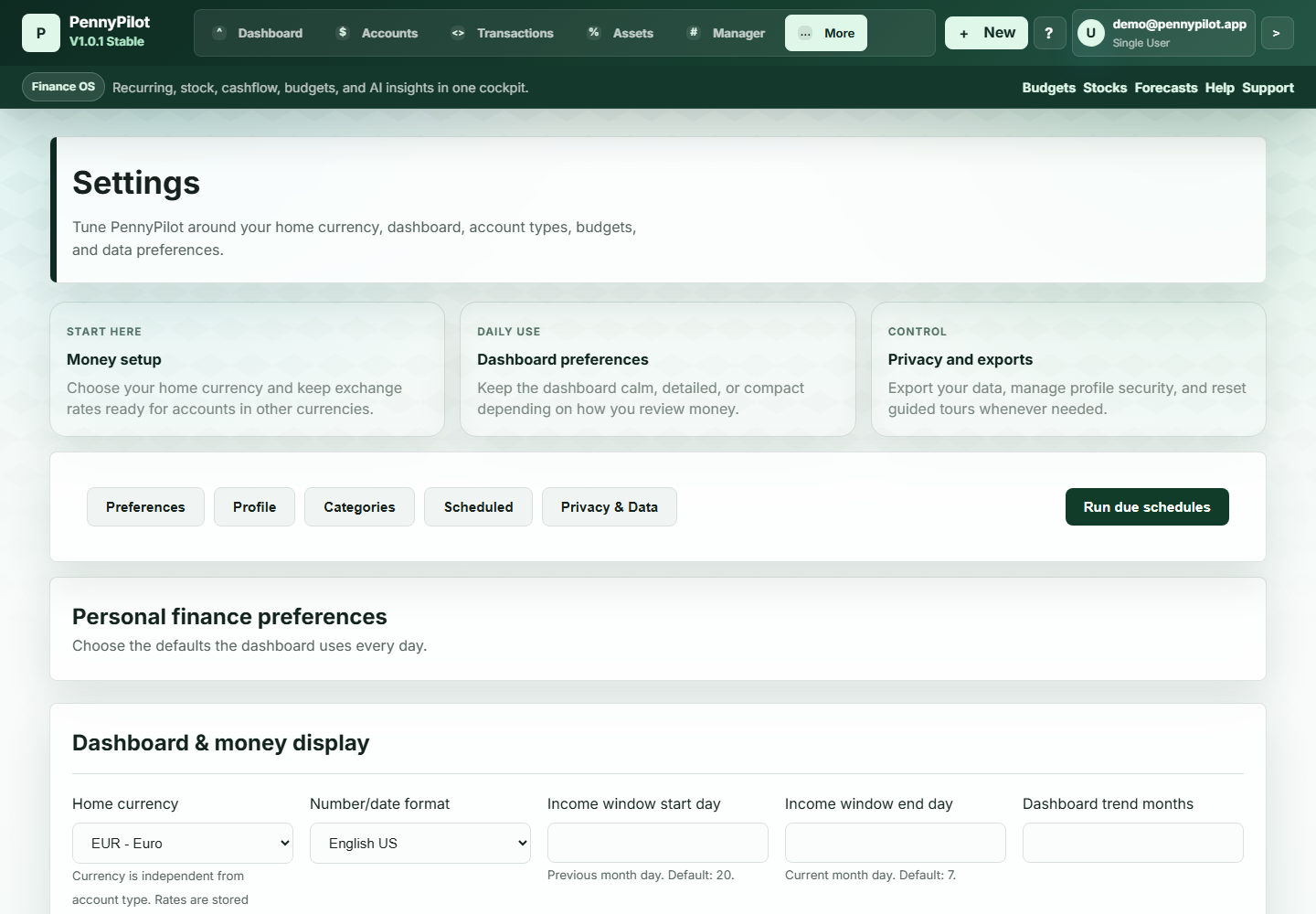
Currency, profile, categories, privacy, and exports.
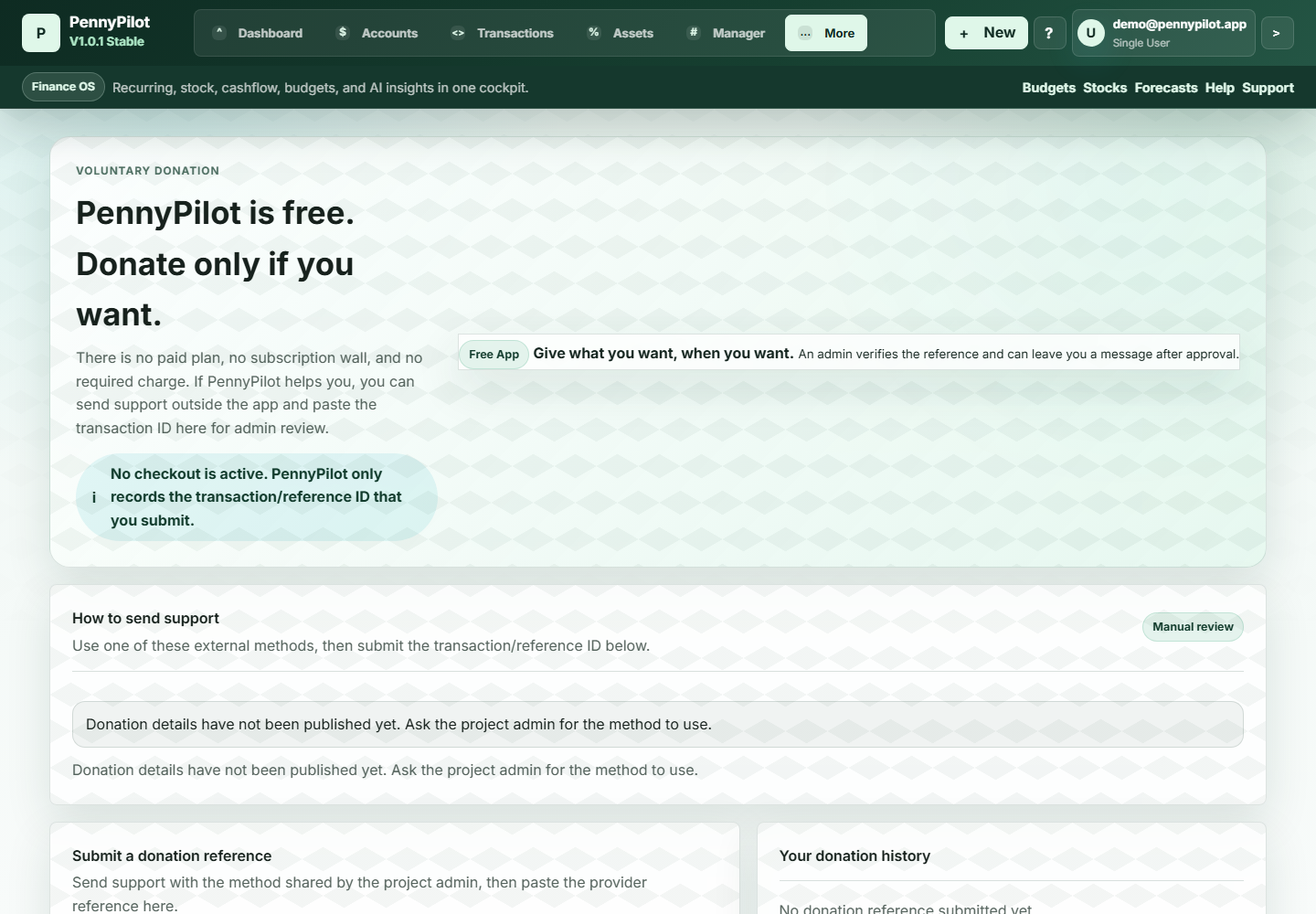
Voluntary donations with manual reference review.
Dashboard preview
The dashboard keeps core totals easy to scan while deeper views stay one tab away.
Assets & investments
PennyPilot can track stocks, ETFs, crypto, gold, real estate, and custom assets. Prices can be managed manually now, with the structure ready for future automatic price integration.
The assets view keeps total value, invested amount, P&L, concentration, and allocation visible beside the holdings list.
Multi-currency system
Each account and wallet has its own currency. Balances are preserved in the original currency, while dashboard totals can show converted values.
First-time user help
PennyPilot helps new users get started with in-app guidance, clear defaults, and enough context to understand the dashboard without external documentation.
Start with a simple setup flow.
Choose the currency used for converted totals.
Add a Main Account, Savings, Wallet, or Asset account.
Record income or expenses with clear categories.
Create a spending limit that stays visible.
Set a target and follow progress.
Learn where the important numbers live.
Find answers, tooltips, and optional demo data.
Support
PennyPilot is an independent project built to help people take control of their finances without unnecessary complexity, subscriptions, or advertising.
The app is free to use. Every contribution helps improve the application, add new features, maintain servers, and continue development.
Whether it is the price of a coffee or ongoing support, every contribution makes a difference and helps keep PennyPilot growing.
Roadmap
Ready when you are
A clean personal finance dashboard for accounts, wallets, savings, assets, and everyday spending.
Start Using PennyPilot